


Client case
Planning app for VR Nederland
VR Nederland paid €10,000 a year for unnecessary Salesforce licences and a planning tool. TwoFeetUp built a custom app for planning at the office and hosts on the road.
See how it works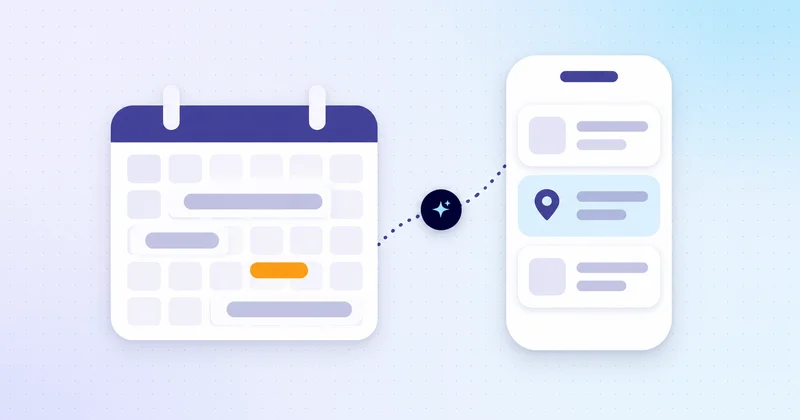
Video in Dutch: VR Nederland planning app
The starting point
A custom app that can grow with the work
VR Nederland organises VR events on location with hosts.
Before
- €10,000 a year for unnecessary Salesforce licences and a planning tool.
Now
- A custom app for planners and hosts, which can be extended further as the work changes.
- Salesforce remains the source. The planner does not need a Salesforce licence to work in the app.
How it works
From planning to the people on the job
Sales works in Salesforce. The planner manages staffing in the app and hosts see where they need to be on their phones.
The planner at the office
A dashboard and overviews for bookings, shifts and users. This is where the planner manages staffing.
The host on the road
Today shows the next shift, open shifts and hours still to record. Shifts and Hours each have their own place. The Profile includes the choice of using a personal car for each shift and skills from Salesforce.
The Work folder and Vera
The Work folder holds the handbook, briefings and host showcase. Vera knows the booking, the game, the times and the equipment. The assistant searches the available knowledge and shows the source alongside the answer. After a shift, a host can share a tip. Vera prepares it as a proposal; the host decides whether to save it.
After the event
Each host has a public page at via.vroplocatie.nl/naam. After the event, the customer can use a QR code to leave a review or request a quote. The request becomes a lead in Salesforce, with the host recorded as the referrer.
Five views of the app
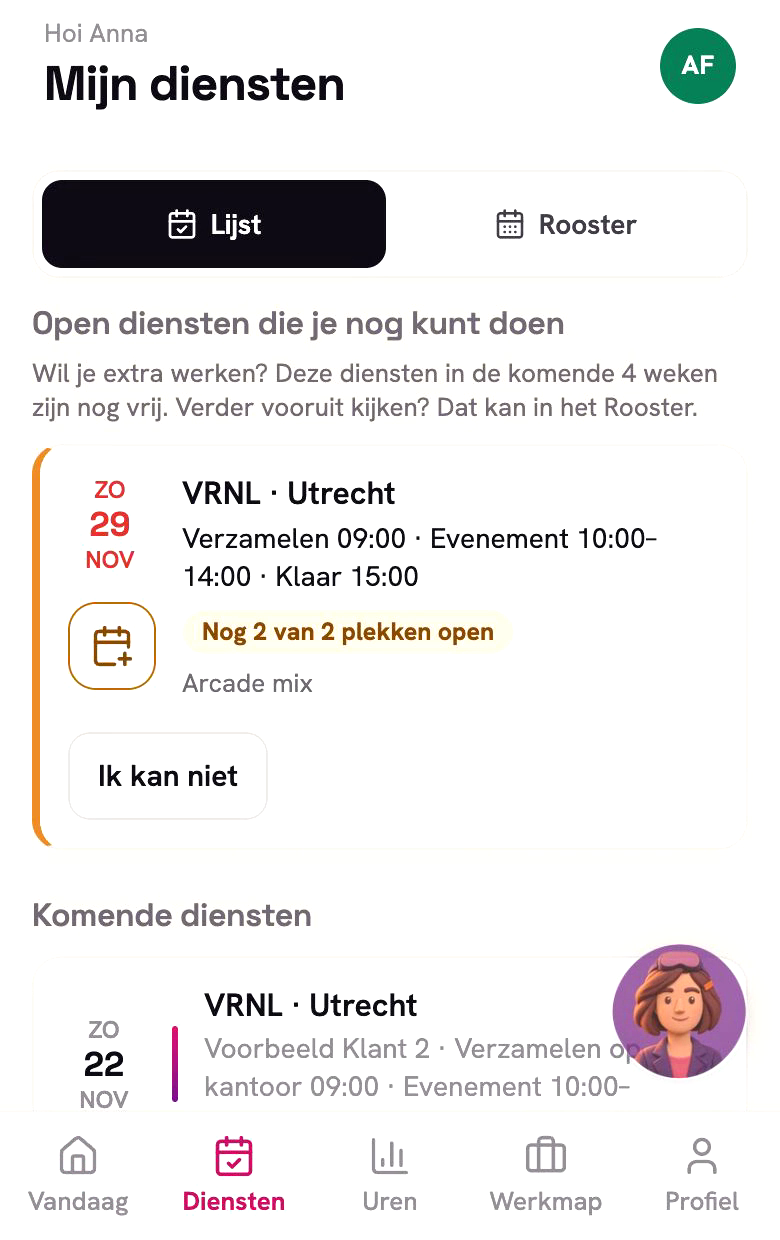
Shift overview with fictional details. 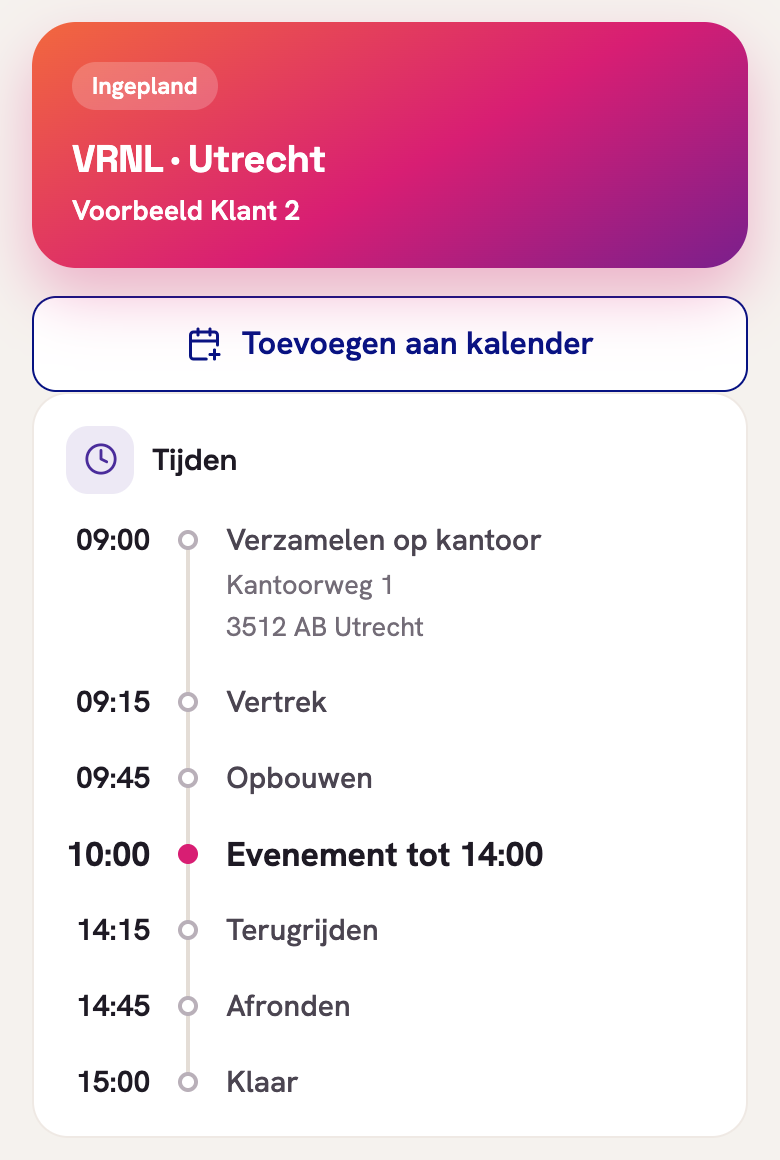
Shift details with fictional details. 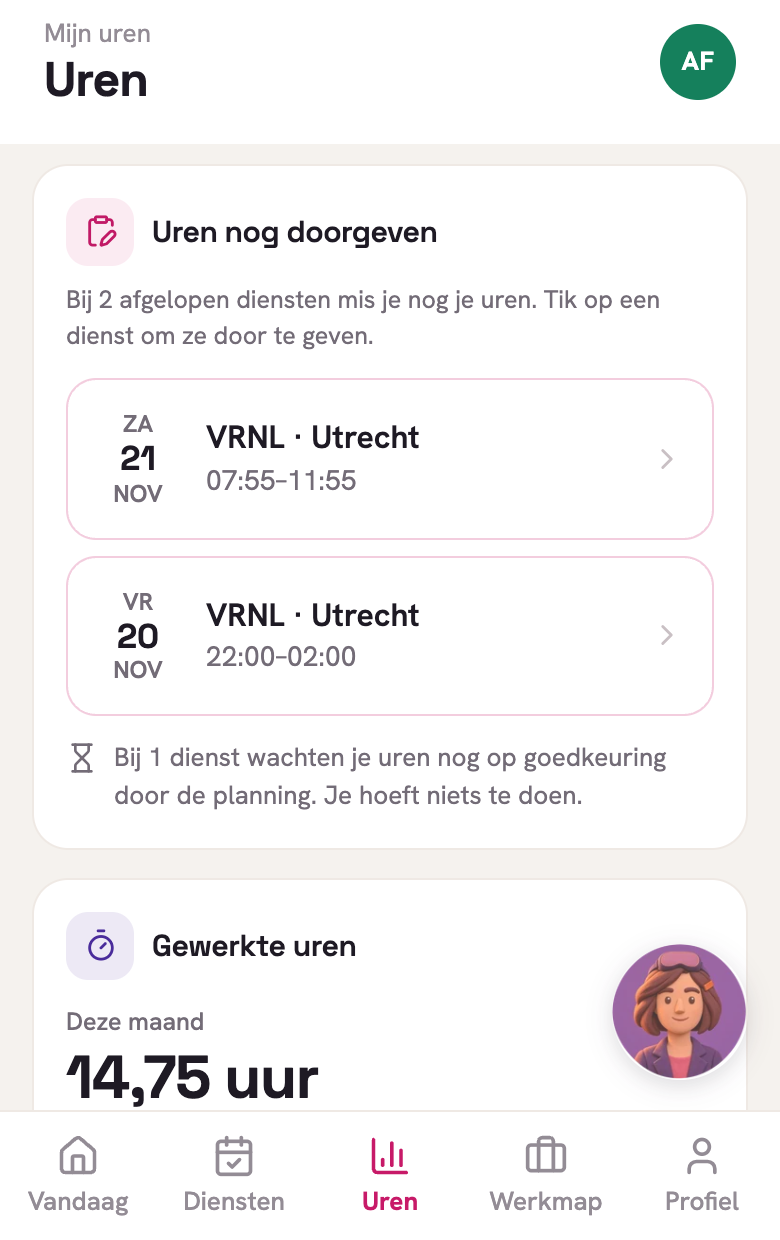
Hours overview with fictional details. 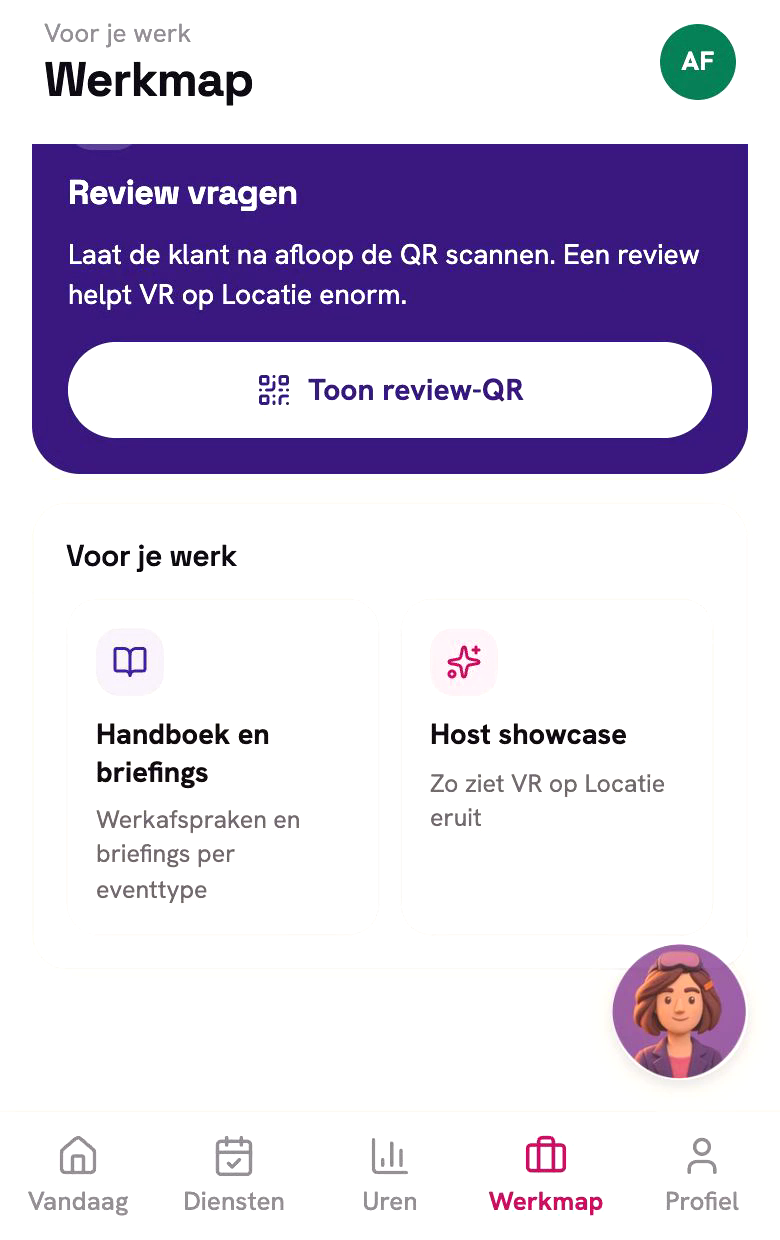
Work folder with fictional details. 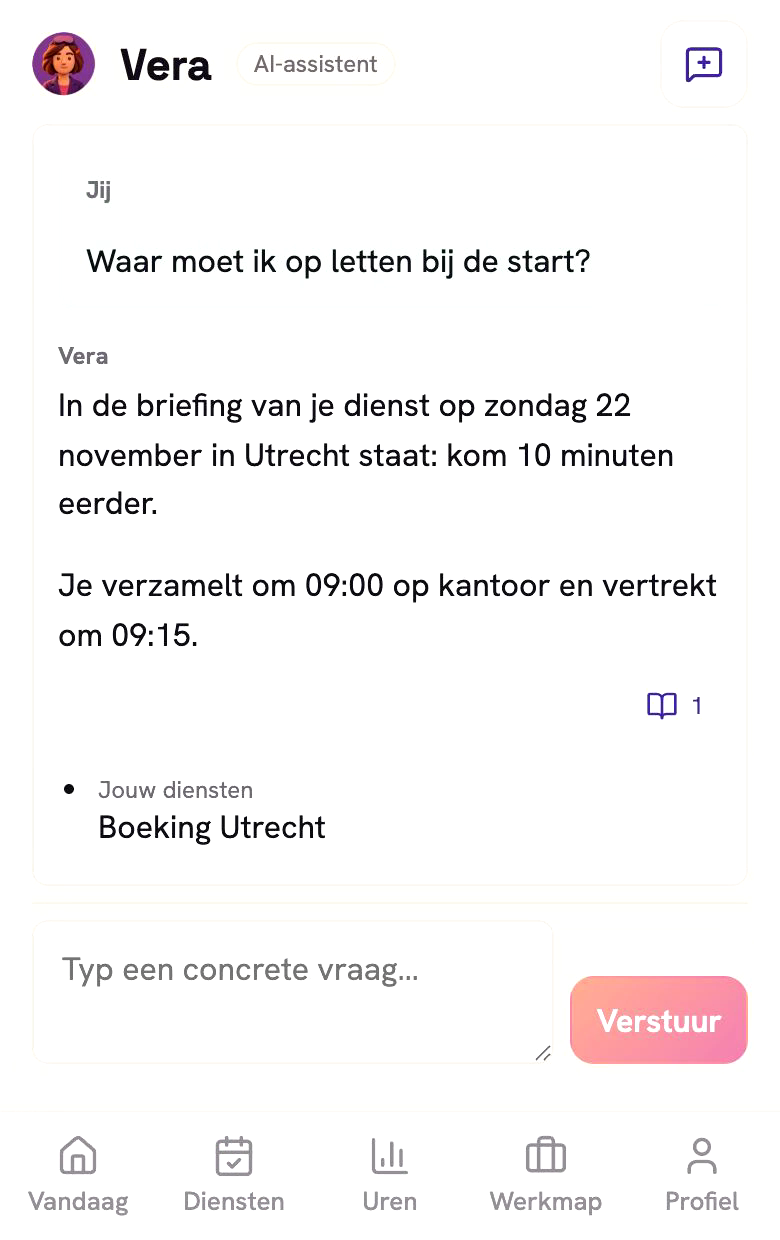
Chat with Vera: a prepared sample answer with a source, using fictional details.
Real app captures with fictional details. Dates and hours belong to the example. Swipe or use the arrows to see all five views. Open an image for the original. The interface is in Dutch.
How does your planning work?
Tell us what your team uses today and what needs to happen between the office and the people on the job. We’ll look at what is needed together.